Your egg.
Just right.
EggTimer finds the right cooking time for your favorite doneness — and learns from every egg.
How it worksFor iPhone · Your cooking data stays on your device
A timer that learns your taste.
Start simple. Get a little more accurate with every egg.
-
1
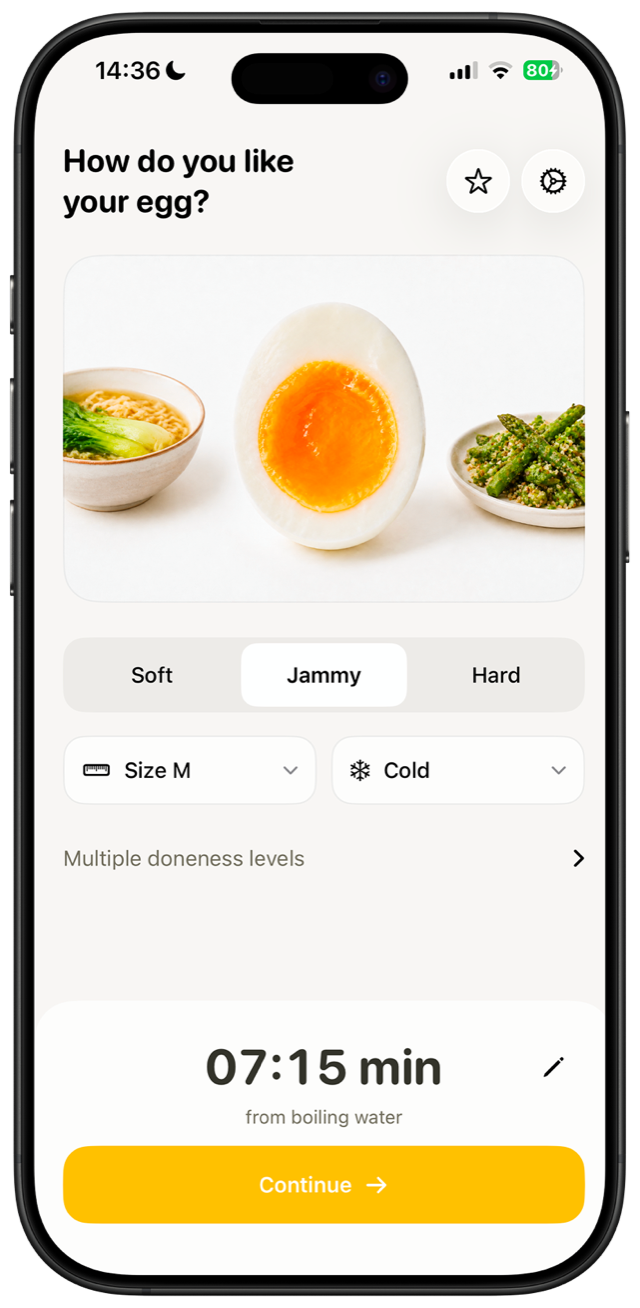
Choose doneness
Soft, jammy, or hard.
-
2
Start the timer
Egg size and starting temperature are included.
-
3
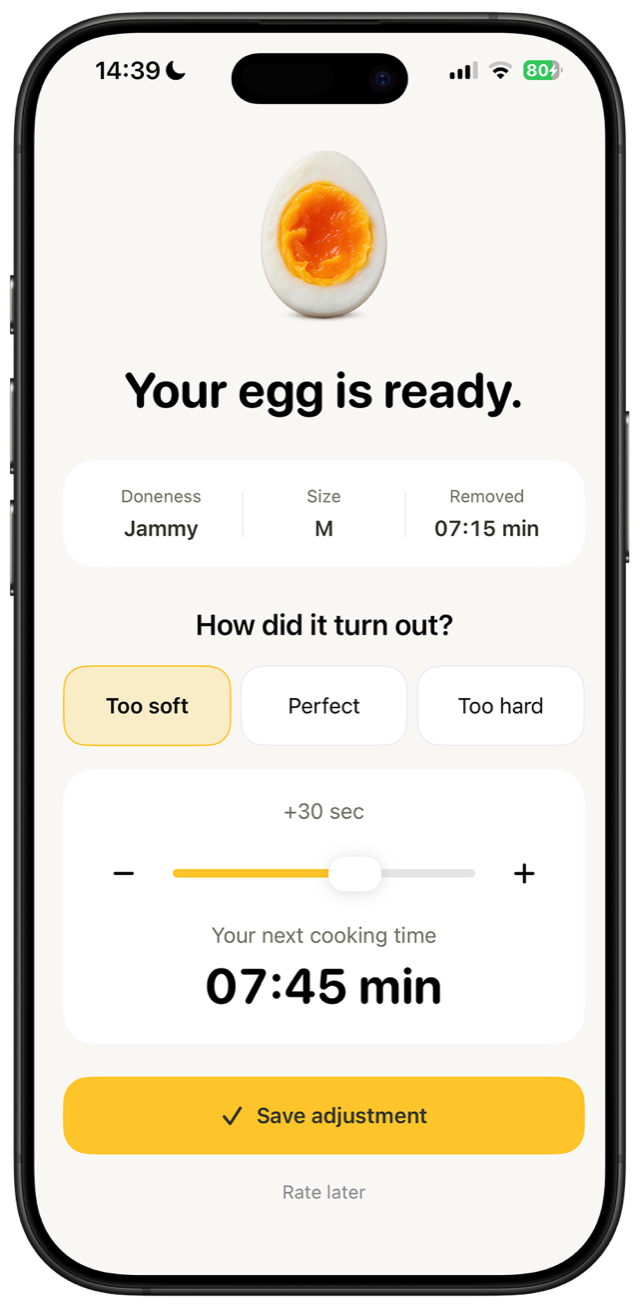
Share quick feedback
Too soft, perfect, or too hard — EggTimer adapts.
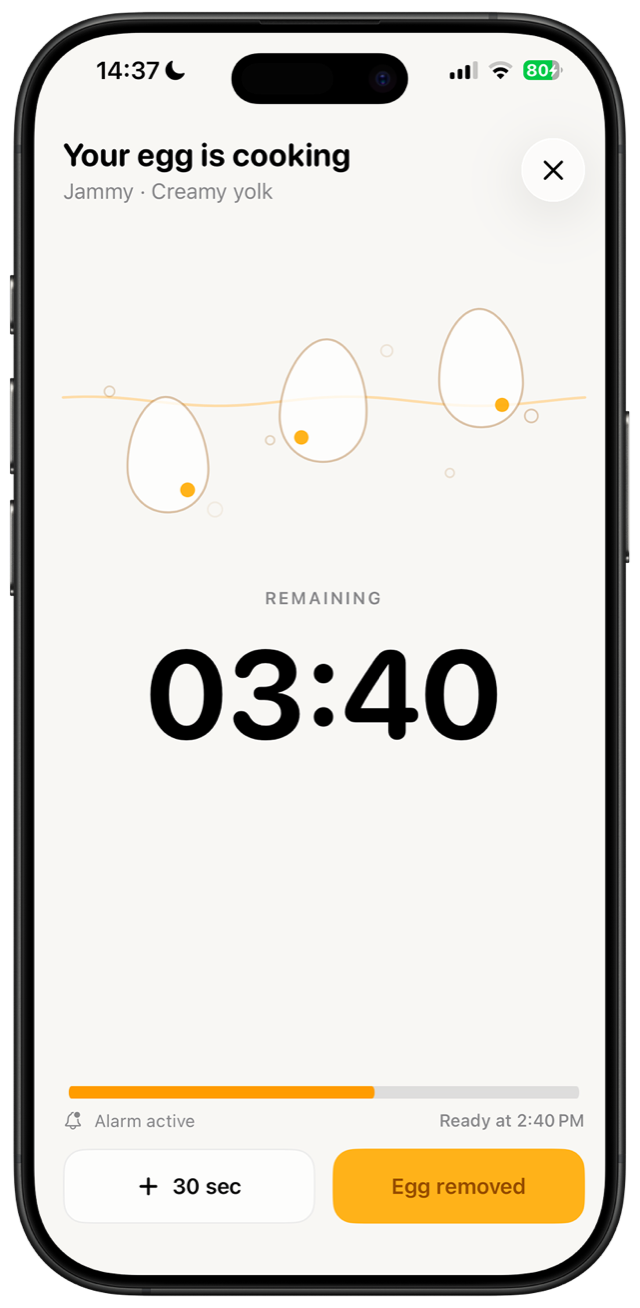
Visible even when the app is closed.
The countdown and alarm stay with you on the Lock Screen and Dynamic Island.
Your taste stays private.
Your cooking history, settings, and feedback stay on your iPhone. No tracking. No account.
Read the App Privacy PolicyFrequently asked questions
Do I need an account?
No. EggTimer works without registration or a user account.
Does the alarm work when my iPhone is locked?
Yes. Once you grant permission, EggTimer schedules the countdown as a system alarm and keeps its status visible on the Lock Screen.
What data does EggTimer process?
Your cooking data — settings, timers, favorites, and feedback — stays locally on your iPhone. For the one-time purchase, RevenueCat processes an anonymous app ID and purchase data; see the App Privacy Policy for details.
Can I use the suggested cooking times immediately?
The suggested times are a practical starting point. Stoves, pots, and eggs differ, so your quick feedback helps EggTimer personalize future results.